> Download the app store from this link. https://app.emotn.com/
> Copy to the USB disk, connect with the projector.
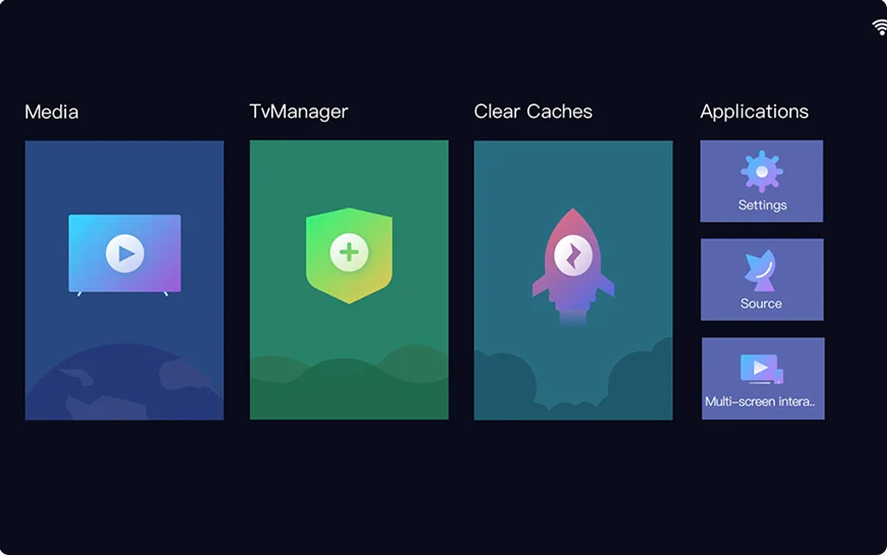
> Install it. then you can install the youtube etc app from the apk store.
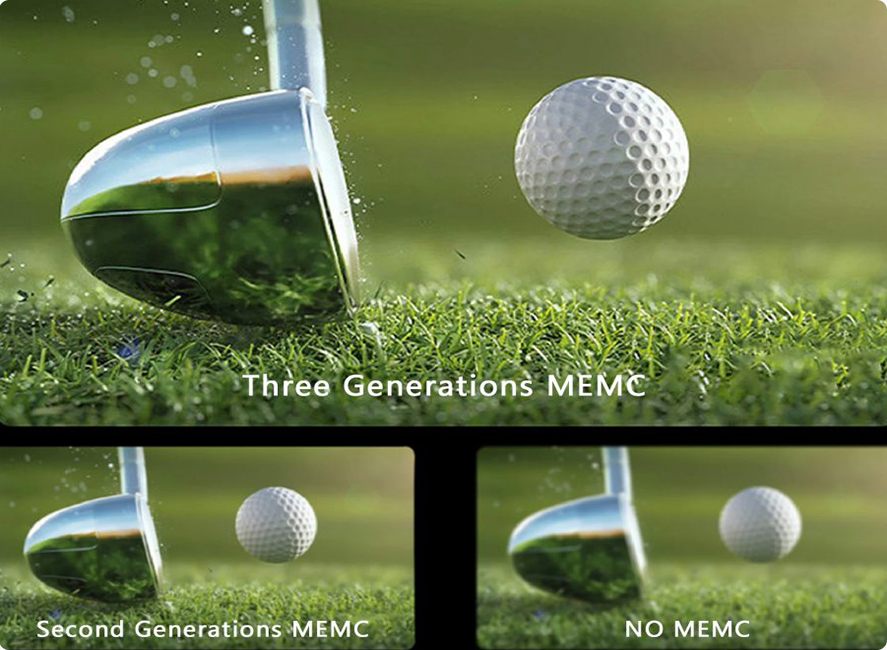
Equipped with new motion compensation technology, compared with similar products staying in the second generation, Changhong M4000 has taken the lead in equipping the third generation technology, improving the picture processing performance by 30%, reducing the picture input delay, no tailing, no dizziness and more eye protection. (In HDMI mode, short press the setting button: text + game mode does not support MEMC)
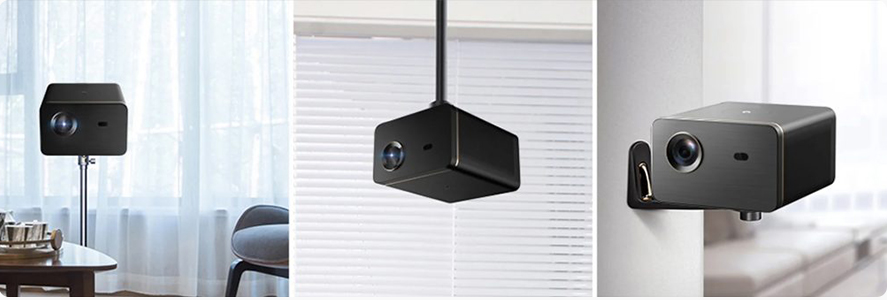
With 6mm tripod hole that you can connect with the tripod, hanger, wall mount
Phone: +86 181 0075 6130
Email: hello@beam-projector.com
Add: Changsha Zhuozhen Electronic Technology Co., Ltd.

 EN
EN